2027 planner PDF for the Supernote Nomad: the page size, getting it on, and how links work
This guide is for anyone setting up a dated 2027 planner as a PDF on the Supernote Nomad. It lists the screen facts a planner page should match, with where each number comes from, and says what we do and do not know about links.
Screen facts
| Screen | 7.8-inch, greyscale E Ink | supernote.com and comparisontabl.es |
|---|---|---|
| Resolution | 1404 × 1872 pixels (portrait) | supernote.com |
| Pixel density | 300 ppi | supernote.com |
What page size to use
A PDF page is measured in points (1/72 inch). To make one PDF pixel equal one screen pixel, the page size is the resolution times 72 divided by the pixel density: 1404 × 72 ÷ 300 = 336.96 points wide and 1872 × 72 ÷ 300 = 449.28 points tall, or 4.68 × 6.24 inches. Our planner and calendar files for this device use exactly that page size. Whether your device's viewer scales a PDF to the screen is the viewer's choice, not something the file controls.
Getting a PDF onto the device
Supernote's own help describes three ways to put a PDF on the device: USB (drag the file into the Document folder), a cloud service (upload it, then sync), or the Supernote partner app, as Supernote's help describes. See Supernote's guide to EPUB and PDF documents.
How links inside a PDF planner work
A tap-to-jump planner is an ordinary PDF in which each date, month and week is a link rectangle that points to another page of the same file. The file only supplies the links. Whether a tap follows one is up to the app that shows the PDF. We could not find Ratta (Supernote) documentation, in a source we are allowed to read automatically, on how its PDF viewer treats links inside a PDF.
We have not tested our files on the Supernote Nomad. Open one page, tap a date, and check before you rely on it.
What the real pages look like
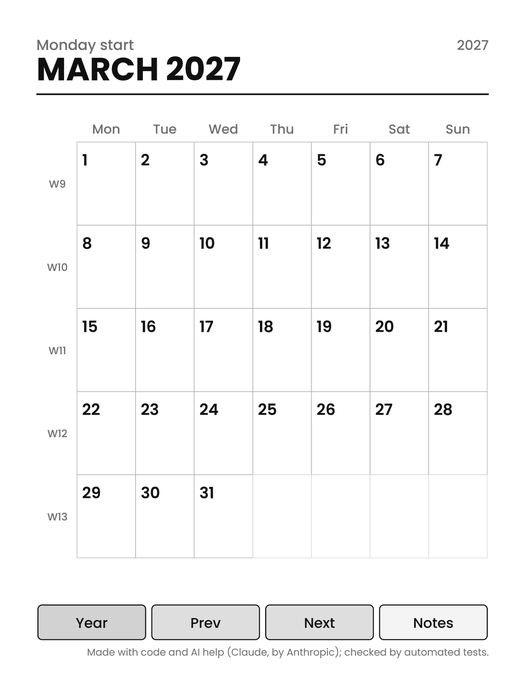
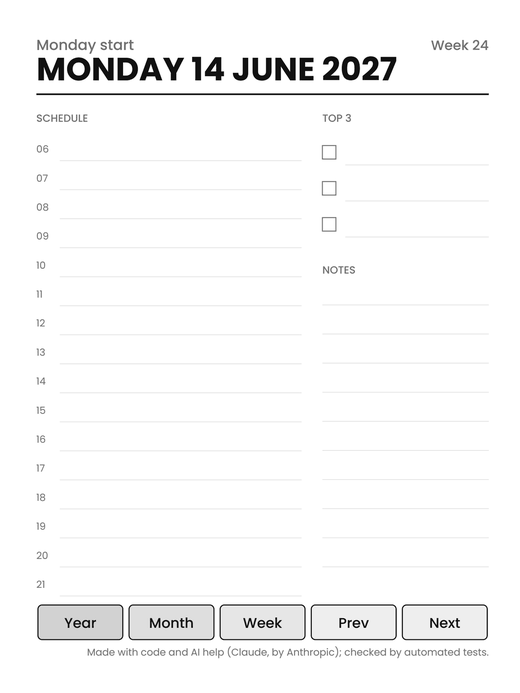
These are renders of the real PDF pages at the device's own resolution, scaled down.
How the dates were checked
Every date, weekday, month and ISO week in the files was checked by script against Python's calendar module and the operating system's date command, and every link was followed by script to confirm it lands on the page it names. 2027 begins on a Friday; ISO 8601 counts that day as part of week 53 of 2026, so a Monday-start week view starts at week 53.